Buying a router: do you need a new router, an extender or a mesh system?
When the internet provider’s router is enough and when you need another, routers versus extenders versus mesh, what Wi-Fi 6 and 7 mean, and SIM routers for homes without a landline. With the most compared routers right now.
By the Pricelens team · Updated Oct 31, 2026 · 5 min read
Pin down the problem first
If the internet is slow everywhere, even right next to the router, the problem is usually the package or the line, and a new router will not fix it. If speed is good next to the router and weak in far rooms, the problem is Wi-Fi coverage, and the right device helps.
Three fixes
- A stronger router: improves speed and coverage in a mid-size flat. Note that most home internet lines in Egypt need a VDSL modem, so either choose a router with a VDSL modem that supports your provider, or a plain router placed behind the provider’s router.
- Extender: cheap for boosting the signal in one room, but it usually lowers the speed and sometimes appears as a separate network.
- Mesh system: two or more units forming one network across the whole home; the best for large flats, villas, homes on several floors and thick concrete walls.
The specs in plain words
- Wi-Fi 6 (802.11ax): the comfortable minimum today, and better with many devices connected at once.
- Wi-Fi 7: the newest and most expensive, useful only if your devices support it and your package is very fast.
- Dual band: 2.4 GHz reaches further, 5 GHz is faster at short range.
- Network ports: if you connect a PC or console by cable, make sure there are gigabit ports.
A home without a landline? A 4G or 5G router with a SIM gives you Wi-Fi from a mobile package, as long as coverage is good where you live.
Most compared routers right now
Live prices: products two or more stores sell, most compared first. Prices change through the day.
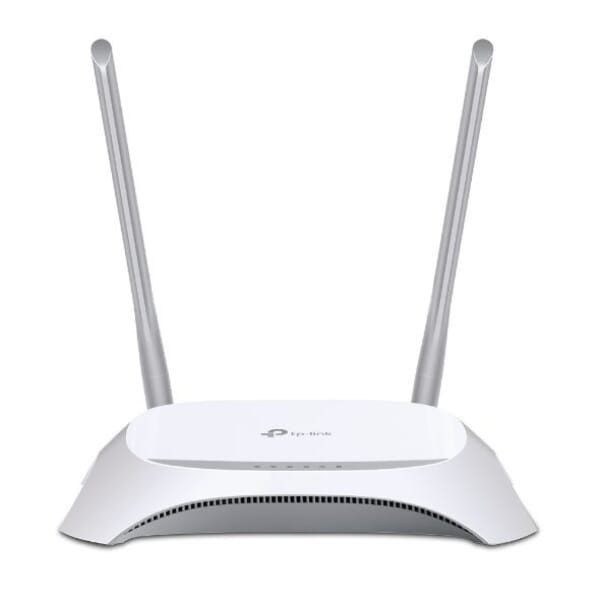


TP-Link
Archer VR300 AC1200 Wireless VDSL/ADSL Modem Router
FromEGP 1,984.00to EGP 3,499.00
At 5 stores
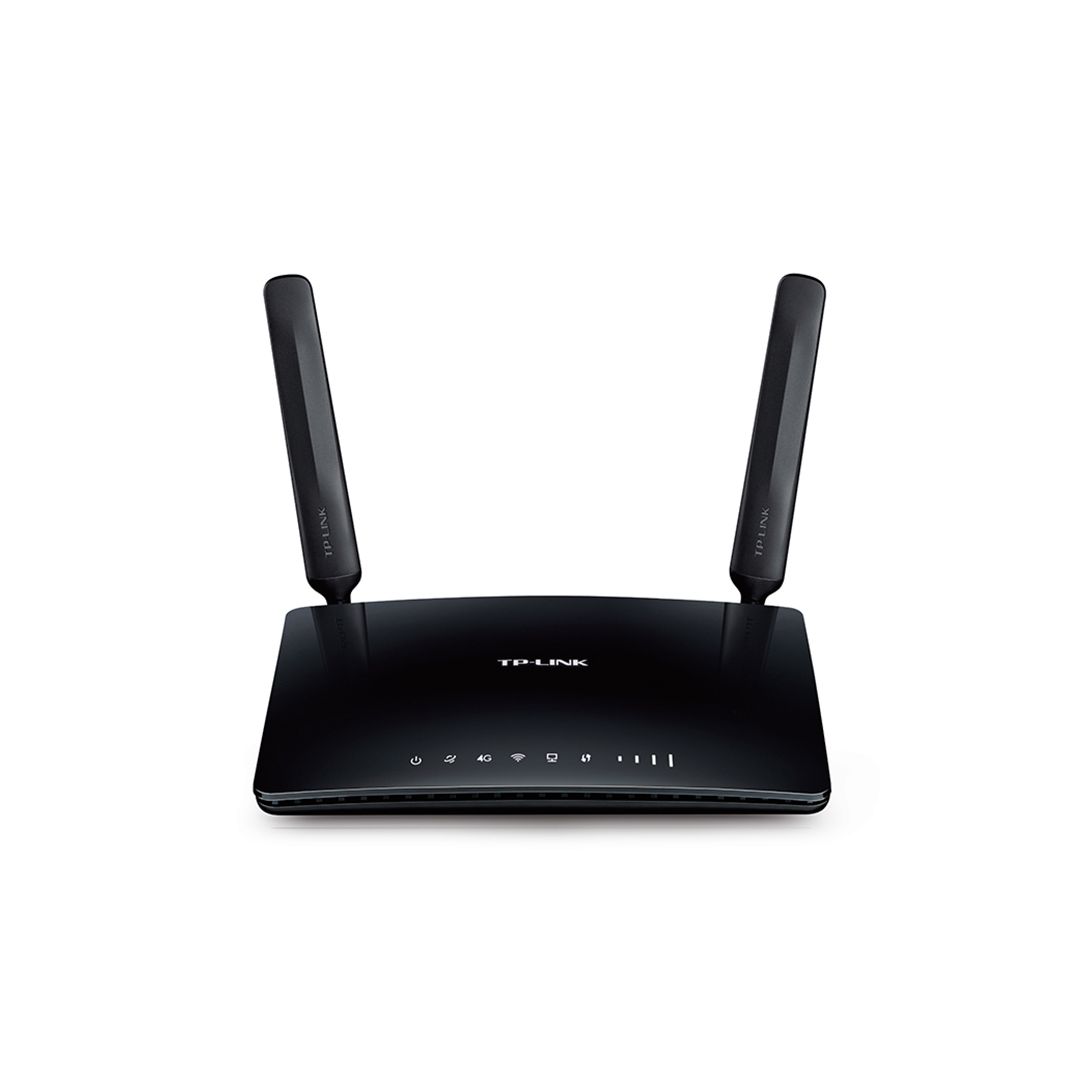
TP-Link
Archer MR200 - AC750 Wireless Dual Band 4G LTE Router
FromEGP 3,589.50to EGP 4,250.00
At 5 stores
