Buying a tablet: iPad or Android, for study or for kids?
How to choose a tablet for what you will do with it (study, reading, drawing, kids or work), iPad versus Android, screen size and storage, and Wi-Fi or cellular. With the most compared tablets right now.
By the Pricelens team · Updated Oct 31, 2026 · 6 min read
Start with the use
- Video, reading and browsing: a good screen and long battery matter more than the chip, and any mid-range tablet will do.
- Study and note-taking: pen and keyboard support matter, as does at least 128 GB of storage.
- Drawing and design: a precise pressure-sensitive pen, a screen with good colour and a strong chip.
- For kids: a tough case, parental controls for apps and screen time, and a price you will not regret if it gets dropped.
iPad or Android
iPads get updates for many years, their apps are designed for the big screen, and they work smoothly with iPhones and Macs. But their storage cannot be expanded with a card, and the official accessories (pen and keyboard) are expensive. Android tablets come at a wider range of prices and many take a memory card, but how long they get updates varies a lot by maker, so ask.
Details before you buy
- Size: 8 inches is light for reading in the hand, 10 to 11 inches is the usual choice, and 12 inches or more is for work and drawing.
- Storage: 64 GB fills up quickly with apps and video; 128 GB is more comfortable when there is no card slot.
- Wi-Fi or cellular: the cellular (LTE) version costs more, and you can share your phone’s data instead.
- Pen and keyboard: often sold separately, so count them from the start.
Under EGP 18,000
Live prices: products two or more stores sell, most compared first. Prices change through the day.
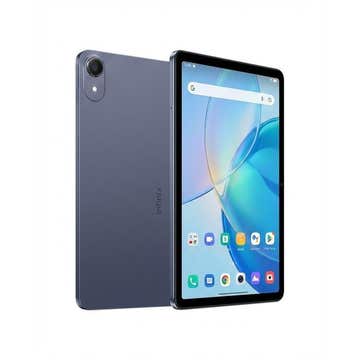

Honor
HONOR Pad X7 4GB RAM, 128G Storage, Gray WIFI, Tax paid, 1 year warranty
FromEGP 7,149.00to EGP 8,430.00
At 6 stores

Huawei
Huawei MatePad SE 11 - 4GB RAM - 128GB - LTE - Nebula Grey
FromEGP 13,330.00to EGP 17,169.00
At 6 stores
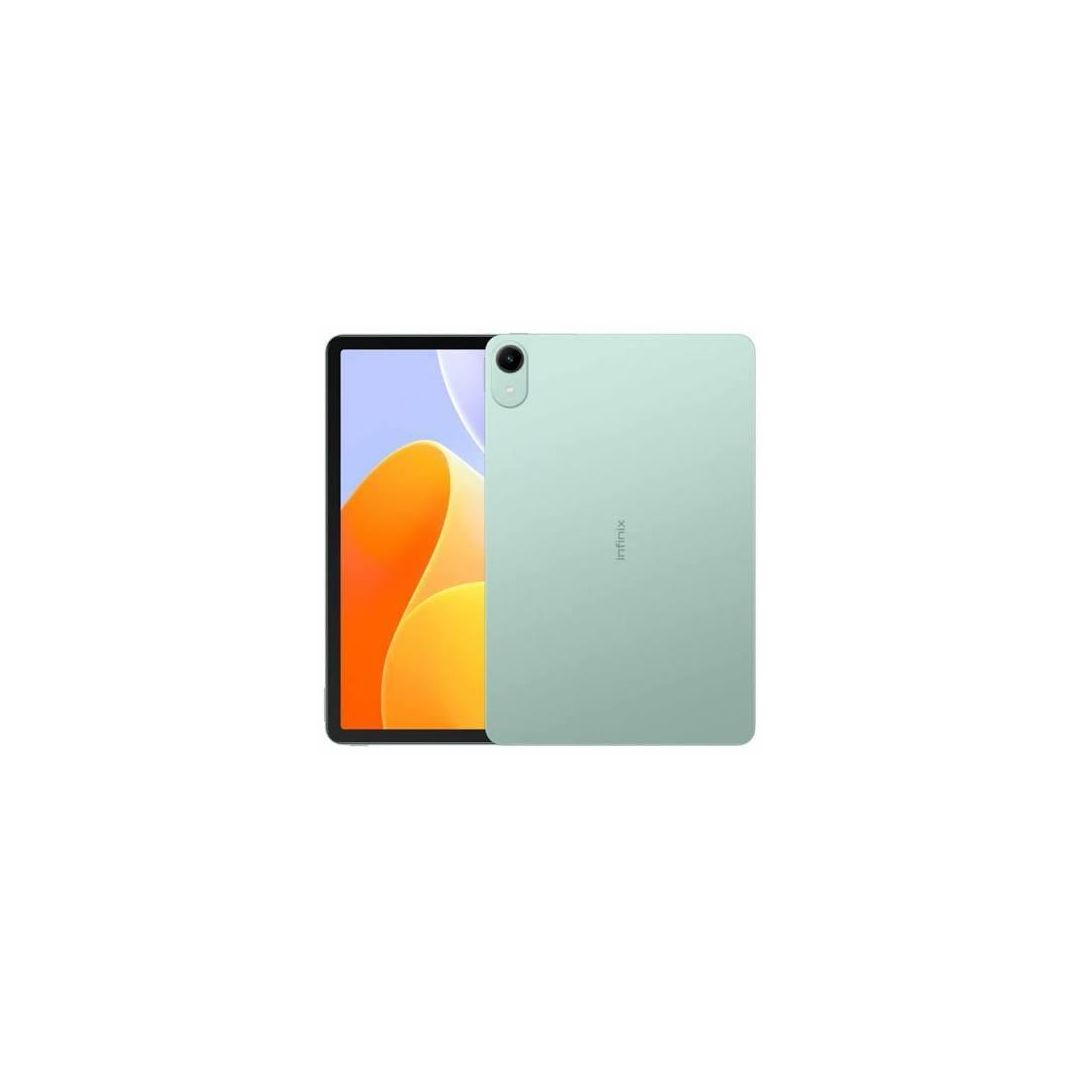
Infinix
Infinix XPAD 30E Tablet ,128 GB ,4 GB ,4G ,Single SIM ,Forest Green
FromEGP 9,150.00to EGP 11,500.00
At 5 stores
Over EGP 18,000
Live prices: products two or more stores sell, most compared first. Prices change through the day.
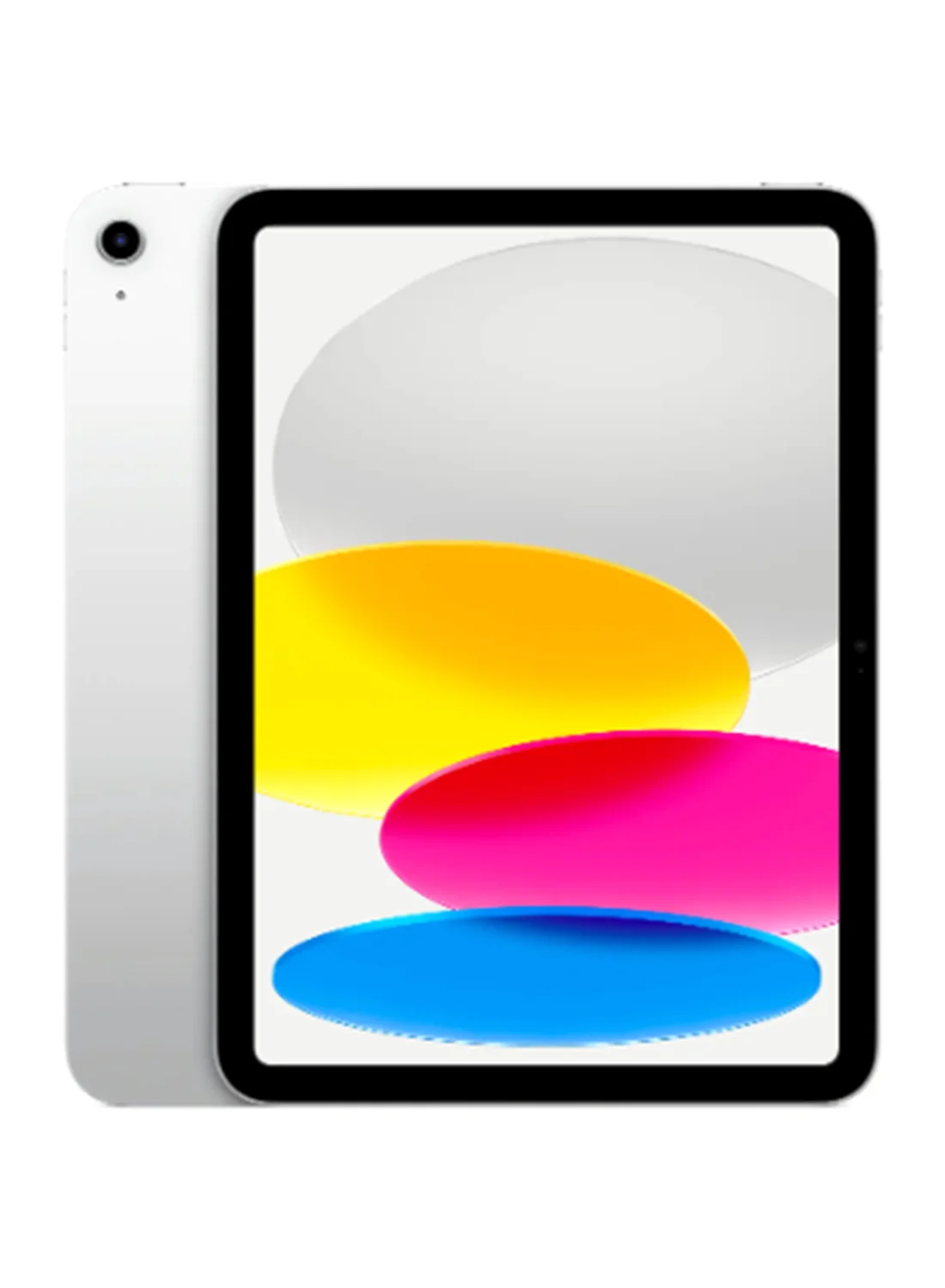
Apple
Apple iPad 2025 (11th Generation) A16 11-inch Wi-Fi 128GB Silver - International Version
FromEGP 26,999.00to EGP 43,500.00
At 8 stores
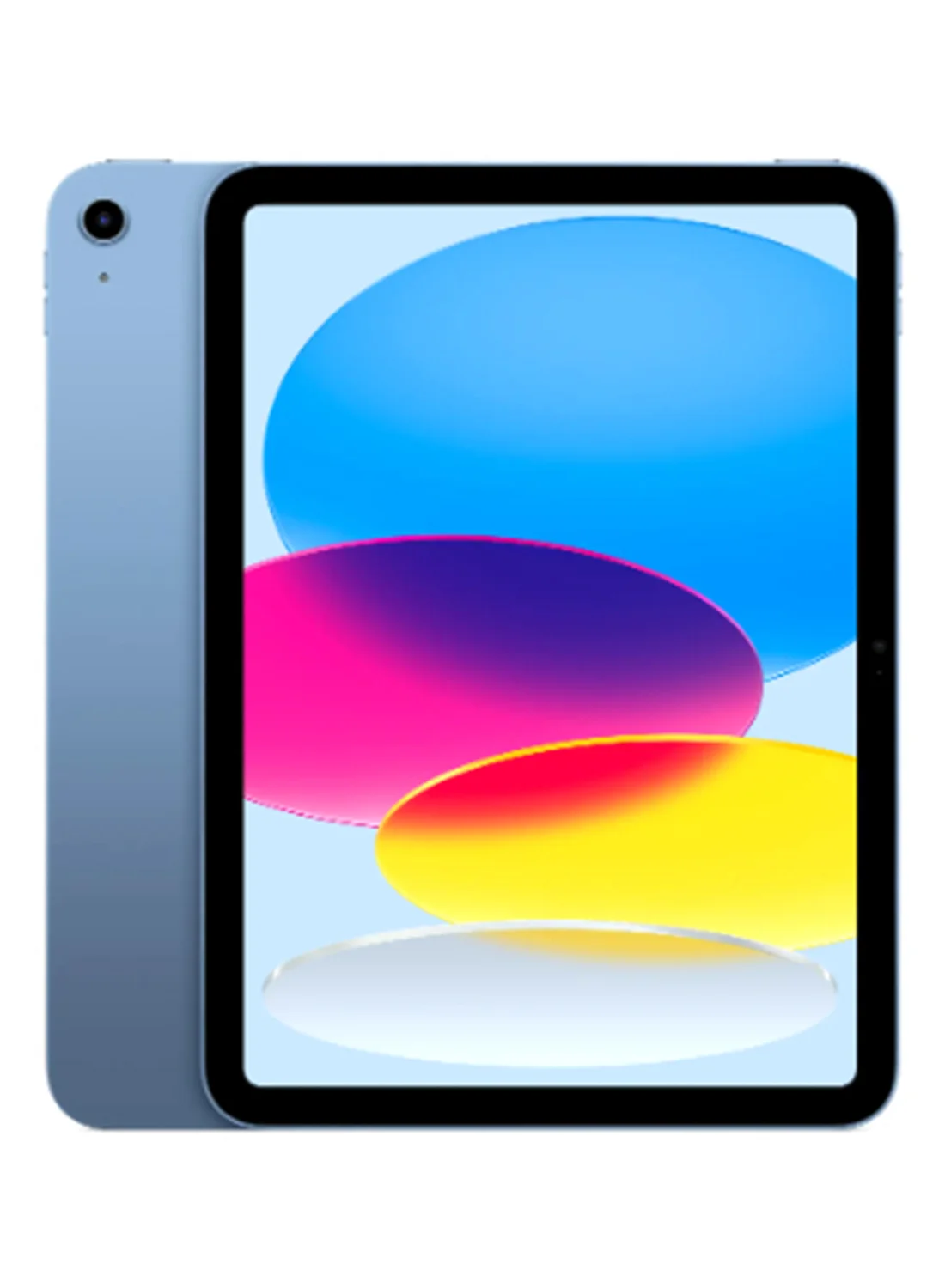
Apple
Apple iPad 2025 (11th Generation) A16 11-inch Wi-Fi 256GB Blue - Middle East Version
FromEGP 35,999.00to EGP 42,200.00
At 4 stores

SAMSUNG
Samsung Galaxy Tab A11+ Single SIM (256GB / 8GB Ram / 11.0 Inch / 5G)
FromEGP 19,299.00to EGP 23,148.90
At 4 stores
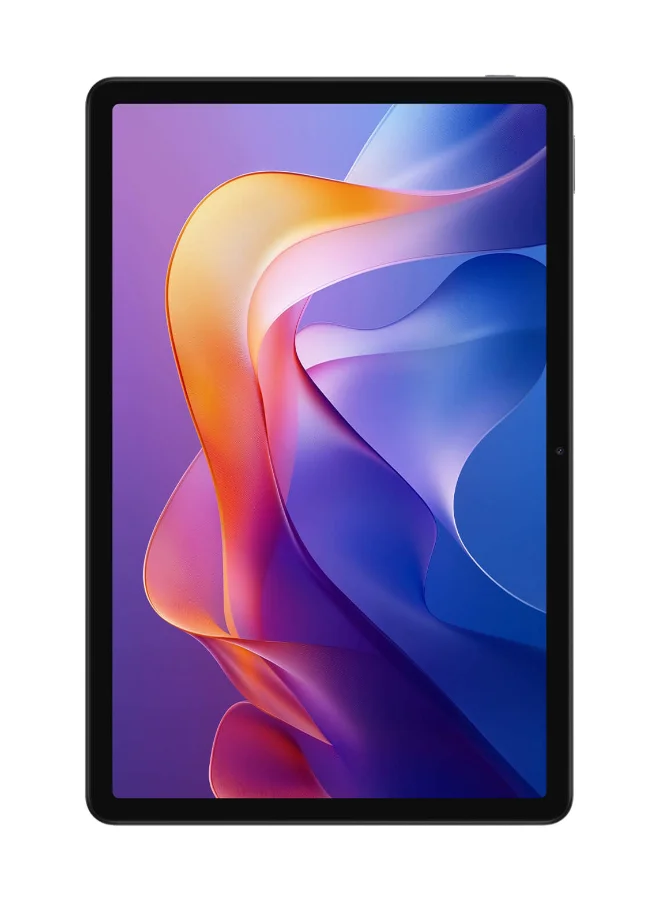
Xiaomi
Xiaomi Redmi Pad 2 4G Graphite Gray 8GB RAM 256GB - Global Version
FromEGP 18,300.00to EGP 19,038.00
At 4 stores